Pick Your Symbol
Select an icon to open its explanation, or expand all symbols below.
Vehicle And Lighting
 High Beam

VehicleE07
Blue · On
What It Means
The main-beam headlights are switched on.
What To Do
Dip the headlights when required for other road users.
E07 Owner’s Manual — PDF p. 3.
 Low Beam

VehicleE07
Green · On
What It Means
The dipped headlights are switched on.
What To Do
This is a lighting status indicator.
E07 Owner’s Manual — PDF p. 3.
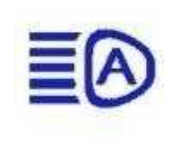
 Intelligent High Beam
VehicleE07
White · Standby / Blue · Active
What It Means
The automatic high-beam function is waiting or active, according to its colour.
What To Do
Keep watching traffic and take control of the headlights when needed.
E07 Owner’s Manual — PDF p. 3.
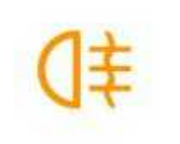
 Rear Fog Lamp
VehicleE07
Amber · On
What It Means
The rear fog lamp is switched on.
What To Do
Switch it off when conditions no longer require it.
E07 Owner’s Manual — PDF p. 3.
 Position Lamps

VehicleE07
Green · On
What It Means
The position lamps are switched on.
What To Do
Check that the lighting selected suits the conditions.
E07 Owner’s Manual — PDF p. 3.
 Left Turn Signal

VehicleE07
Green · Indicating
What It Means
The left turn signal is operating.
What To Do
Check that it cancels after the manoeuvre.
E07 Owner’s Manual — PDF p. 3.
 Right Turn Signal

VehicleE07
Green · Indicating
What It Means
The right turn signal is operating.
What To Do
Check that it cancels after the manoeuvre.
E07 Owner’s Manual — PDF p. 3.
 Low Beam

VehicleS07
S07 Reference
What It Identifies
Dipped headlights are on.
What To Check
Match the complete symbol and any OFF marking, then read the colour, flashing behaviour and message on the vehicle. Use the S07 instructions for an S07; confirm E07 applicability separately.
S07 Owner’s Manual — PDF p. 7.
 High Beam

VehicleS07
S07 Reference
What It Identifies
Main-beam headlights are on.
What To Check
Match the complete symbol and any OFF marking, then read the colour, flashing behaviour and message on the vehicle. Use the S07 instructions for an S07; confirm E07 applicability separately.
S07 Owner’s Manual — PDF p. 7.
 Position Lights

VehicleS07
S07 Reference
What It Identifies
Position lights are on.
What To Check
Match the complete symbol and any OFF marking, then read the colour, flashing behaviour and message on the vehicle. Use the S07 instructions for an S07; confirm E07 applicability separately.
S07 Owner’s Manual — PDF p. 7.
 Rear Fog Light
VehicleS07
S07 Reference
What It Identifies
The rear fog light is on.
What To Check
Match the complete symbol and any OFF marking, then read the colour, flashing behaviour and message on the vehicle. Use the S07 instructions for an S07; confirm E07 applicability separately.
S07 Owner’s Manual — PDF p. 7.
 Left Turn Signal

VehicleS07
S07 Reference
What It Identifies
Left turn signalling is operating.
What To Check
Match the complete symbol and any OFF marking, then read the colour, flashing behaviour and message on the vehicle. Use the S07 instructions for an S07; confirm E07 applicability separately.
S07 Owner’s Manual — PDF p. 7.
 Right Turn Signal

VehicleS07
S07 Reference
What It Identifies
Right turn signalling is operating.
What To Check
Match the complete symbol and any OFF marking, then read the colour, flashing behaviour and message on the vehicle. Use the S07 instructions for an S07; confirm E07 applicability separately.
S07 Owner’s Manual — PDF p. 7.
 Human And Pet Detection Warning

VehicleS07
S07 Reference
What It Identifies
A warning associated with the human-and-pet detection function.
What To Check
Match the complete symbol and any OFF marking, then read the colour, flashing behaviour and message on the vehicle. Use the S07 instructions for an S07; confirm E07 applicability separately.
S07 Owner’s Manual — PDF p. 7.
 Human And Pet Detection Off

VehicleS07
S07 Reference
What It Identifies
The human-and-pet detection function is switched off.
What To Check
Match the complete symbol and any OFF marking, then read the colour, flashing behaviour and message on the vehicle. Use the S07 instructions for an S07; confirm E07 applicability separately.
S07 Owner’s Manual — PDF p. 7.
Power And Charging
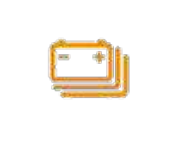
 Low Traction-Battery Charge
VehicleE07
Amber · Low Charge
What It Means
The propulsion battery’s charge is low.
What To Do
Check the remaining charge and arrange a reachable charging stop.
E07 Owner’s Manual — PDF p. 3.
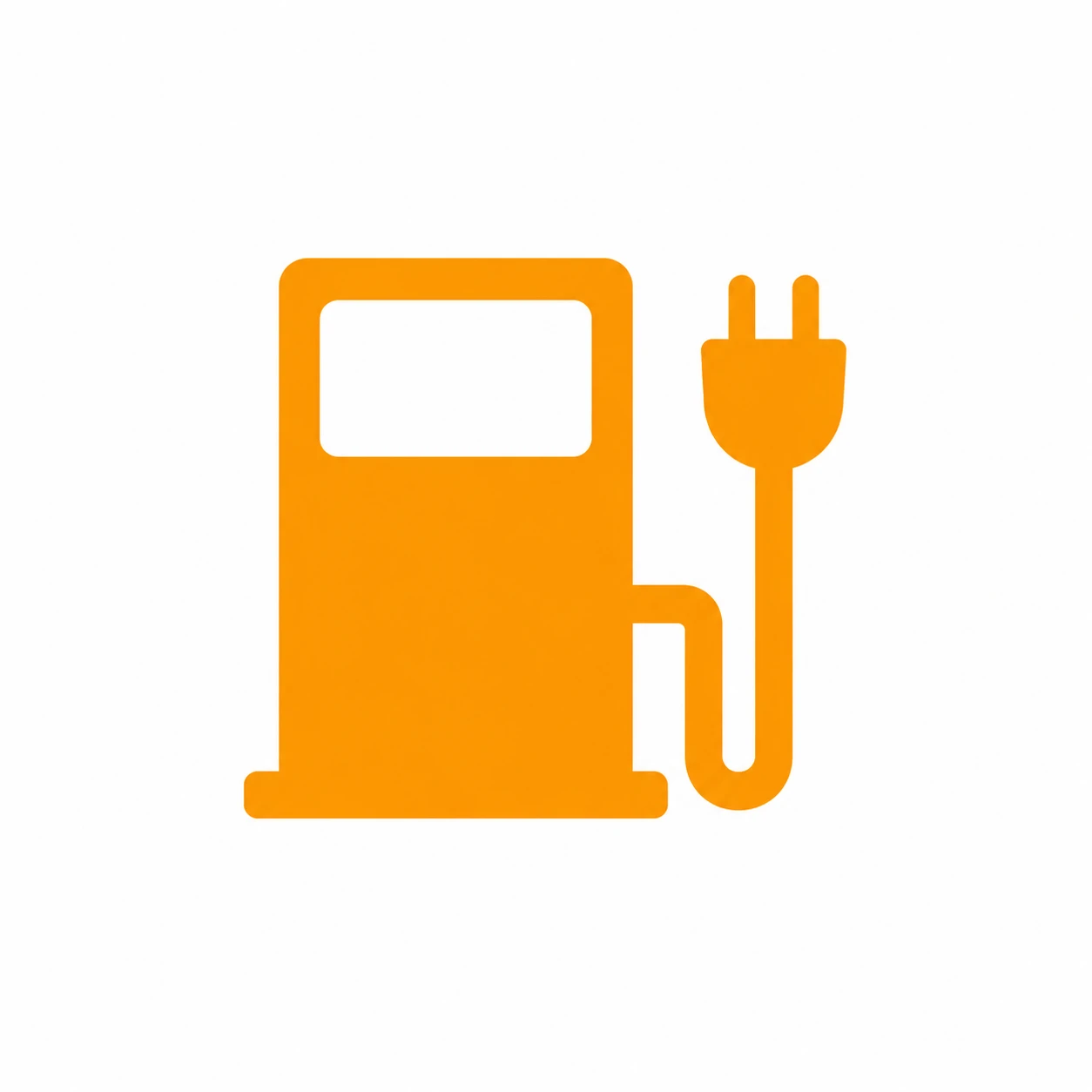 Charging Status
VehicleE07
Amber · Charging
What It Means
The pump-shaped symbol in the manual is a charging-status indicator. It does not mean the E07 needs petrol.
What To Do
Check the charging screen for actual power and progress. The symbol alone does not establish the charging rate.
E07 Owner’s Manual — PDF p. 4.
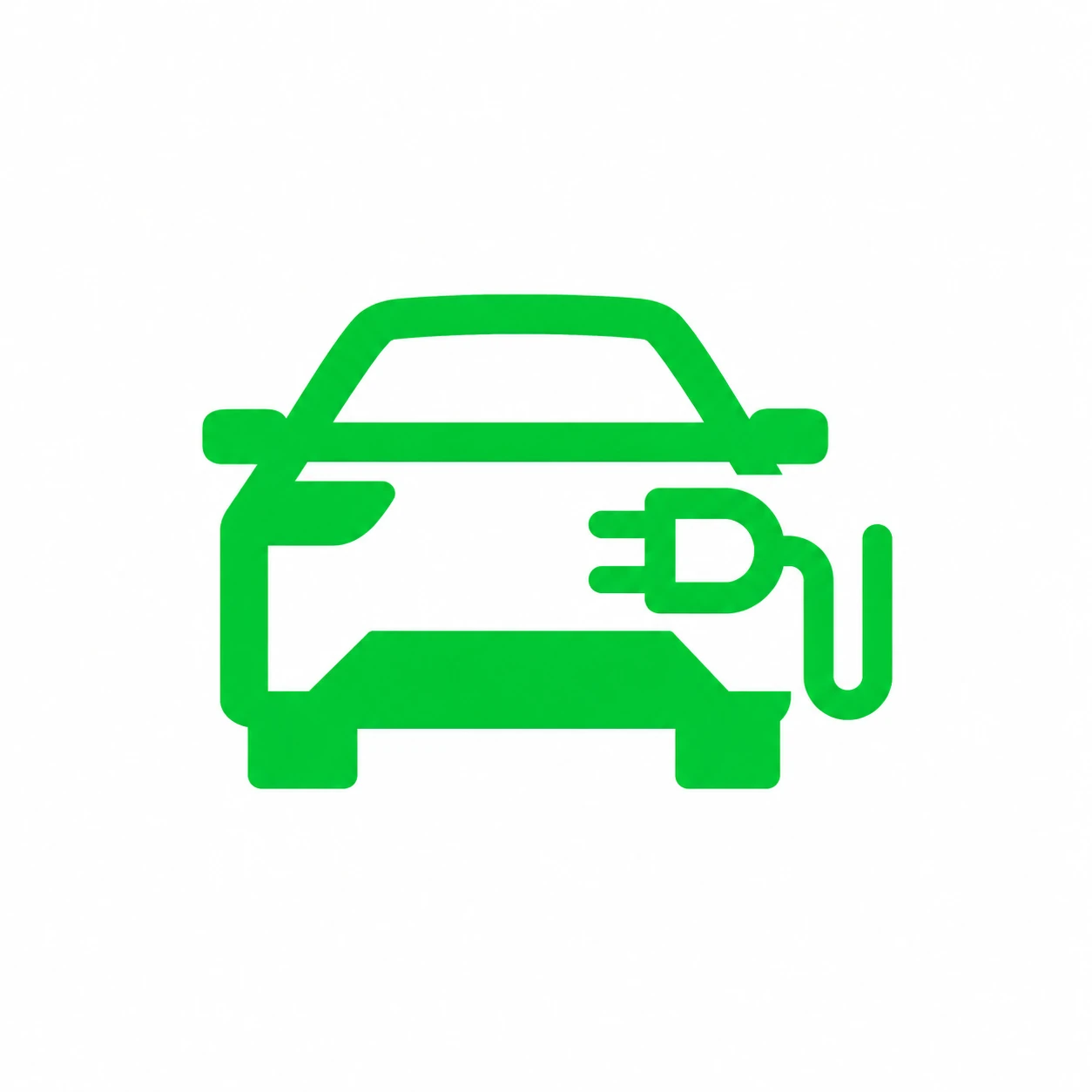 Discharge / External Power Supply
VehicleE07
Green · Discharging
What It Means
The vehicle is supplying external electrical power.
What To Do
Check the connected appliance and discharge settings. Follow the V2L guide when finishing.
E07 Owner’s Manual — PDF p. 4.
 READY
READY

VehicleE07
Green · Ready To Drive
What It Means
The drive system is active and gear selection is possible. A quiet vehicle can still be ready to move.
What To Do
Check the selected gear and surroundings before pressing the accelerator.
E07 Owner’s Manual — PDF p. 4.
 Charging Cable Connected

VehicleE07
Red Plug · Cable Connected
What It Means
The charging lead is connected. This is a connection status, not a red fault by itself.
What To Do
End the session and disconnect correctly before attempting to drive away.
E07 Owner’s Manual — PDF p. 5.
 Battery Low-Temperature Heating

VehicleE07
Amber · Heating
What It Means
The battery heating function is operating.
What To Do
This is a heating status. Check for a separate fault message before treating it as a failure.
E07 Owner’s Manual — PDF p. 5.
 Parking Brake Applied
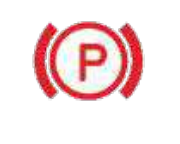
VehicleE07
Red Steady · Applied / Flashing · Fault-Related State
What It Means
A steady red P indicates the parking brake is applied. Flashing is described as an abnormal operating state in the manual.
What To Do
Check that it releases normally before driving. Seek assistance for persistent flashing or a fault message.
E07 Owner’s Manual — PDF p. 5.
 Vehicle Ready

VehicleS07
S07 Reference
What It Identifies
The vehicle’s propulsion system is ready.
What To Check
Match the complete symbol and any OFF marking, then read the colour, flashing behaviour and message on the vehicle. Use the S07 instructions for an S07; confirm E07 applicability separately.
S07 Owner’s Manual — PDF p. 7.
 Storage Battery Warning
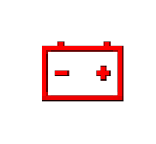
VehicleS07
S07 Reference
What It Identifies
A storage-battery or auxiliary electrical-supply warning.
What To Check
Match the complete symbol and any OFF marking, then read the colour, flashing behaviour and message on the vehicle. Use the S07 instructions for an S07; confirm E07 applicability separately.
S07 Owner’s Manual — PDF p. 7.
 Charging Connection

VehicleS07
S07 Reference
What It Identifies
A charging connection is detected.
What To Check
Match the complete symbol and any OFF marking, then read the colour, flashing behaviour and message on the vehicle. Use the S07 instructions for an S07; confirm E07 applicability separately.
S07 Owner’s Manual — PDF p. 7.
 Charging Status
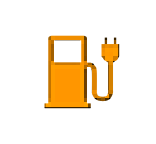
VehicleS07
S07 Reference
What It Identifies
Charging-status indication. Check the charging screen to confirm power flow.
What To Check
Match the complete symbol and any OFF marking, then read the colour, flashing behaviour and message on the vehicle. Use the S07 instructions for an S07; confirm E07 applicability separately.
S07 Owner’s Manual — PDF p. 7.
 Low Charge
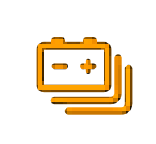
VehicleS07
S07 Reference
What It Identifies
The traction battery has low charge.
What To Check
Match the complete symbol and any OFF marking, then read the colour, flashing behaviour and message on the vehicle. Use the S07 instructions for an S07; confirm E07 applicability separately.
S07 Owner’s Manual — PDF p. 7.
 Drive Motor Warning
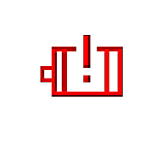
VehicleS07
S07 Reference
What It Identifies
A drive-motor warning.
What To Check
Match the complete symbol and any OFF marking, then read the colour, flashing behaviour and message on the vehicle. Use the S07 instructions for an S07; confirm E07 applicability separately.
S07 Owner’s Manual — PDF p. 7.
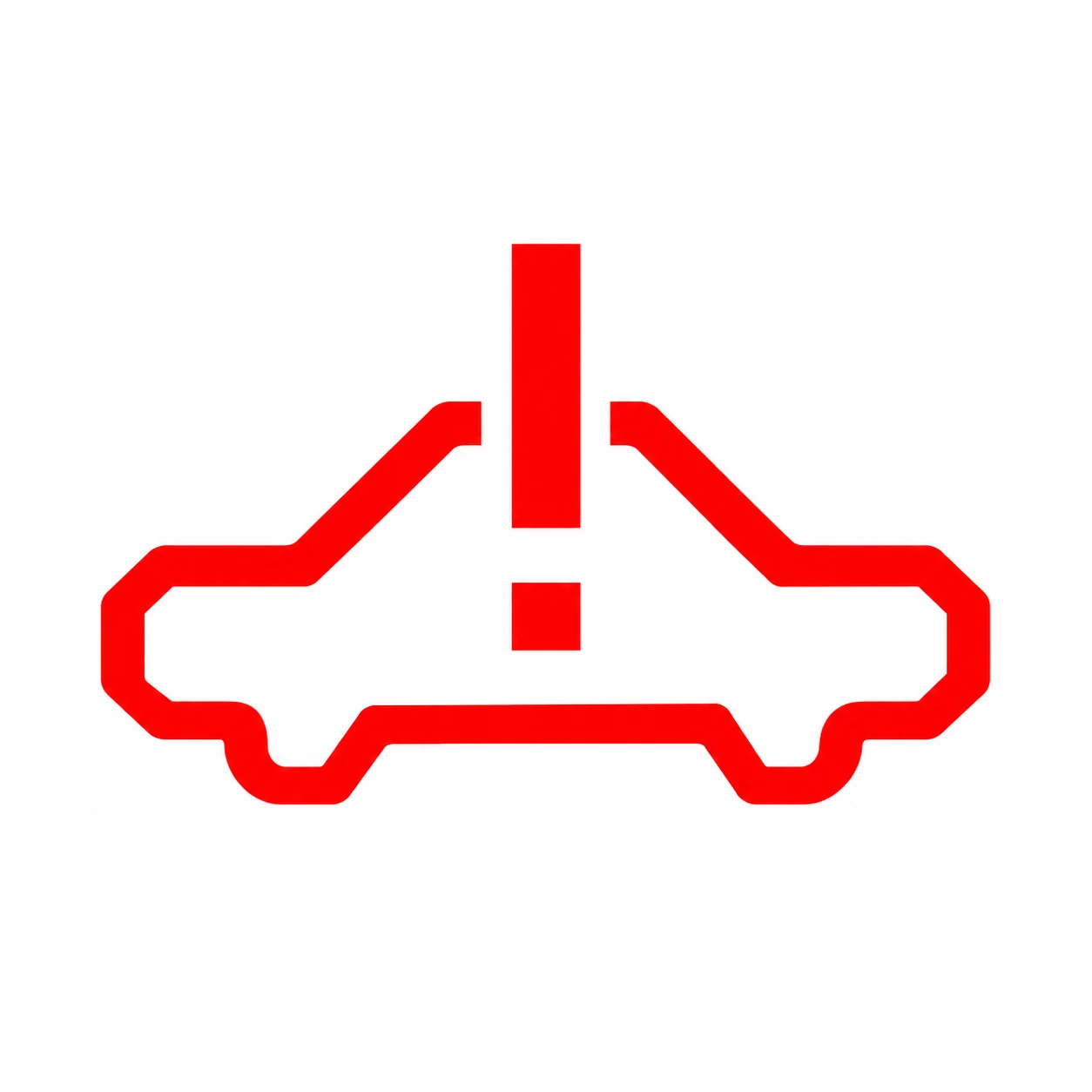 Power System Warning

VehicleS07
S07 Reference
What It Identifies
A propulsion-system warning.
What To Check
Match the complete symbol and any OFF marking, then read the colour, flashing behaviour and message on the vehicle. Use the S07 instructions for an S07; confirm E07 applicability separately.
S07 Owner’s Manual — PDF p. 7.
 Power Battery Warning

VehicleS07
S07 Reference
What It Identifies
A traction-battery warning.
What To Check
Match the complete symbol and any OFF marking, then read the colour, flashing behaviour and message on the vehicle. Use the S07 instructions for an S07; confirm E07 applicability separately.
S07 Owner’s Manual — PDF p. 7.
 Limited Power

VehicleS07
S07 Reference
What It Identifies
Available drive power is restricted.
What To Check
Match the complete symbol and any OFF marking, then read the colour, flashing behaviour and message on the vehicle. Use the S07 instructions for an S07; confirm E07 applicability separately.
S07 Owner’s Manual — PDF p. 7.
Braking, Steering And Restraints
 Auxiliary Battery / Electrical Supply
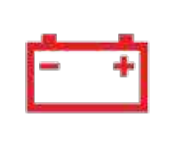
VehicleE07
Red · Fault Reminder
What It Means
The battery-shaped symbol can indicate a charging or auxiliary electrical-supply fault. It is different from the traction battery’s low-charge reminder.
What To Do
Turn off unnecessary electrical loads and arrange an authorised service inspection promptly. Read the accompanying message.
E07 Owner’s Manual — PDF p. 3.
 Airbag System Fault

VehicleE07
Red · Fault Reminder
What It Means
The restraint system has detected a fault.
What To Do
Have an authorised service centre inspect it promptly.
E07 Owner’s Manual — PDF p. 3.
 Low Coolant Level

VehicleE07
Amber · Low Level
What It Means
A coolant-level warning is present.
What To Do
Read the message and arrange a coolant-system check. Do not open a hot coolant system or treat this as a windscreen-washer refill.
E07 Owner’s Manual — PDF p. 4.
 Tyre Pressure / TPMS Fault
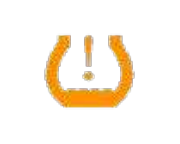
VehicleE07
Steady · Low Pressure / Flashing Then Steady · Fault
What It Means
A steady symbol indicates low tyre pressure. Flashing followed by a steady light indicates a monitoring-system fault.
What To Do
Stop somewhere safe to inspect the tyres and check pressures. Have a persistent TPMS fault inspected. Do not keep driving on a visibly damaged or flat tyre.
E07 Owner’s Manual — PDF p. 4.
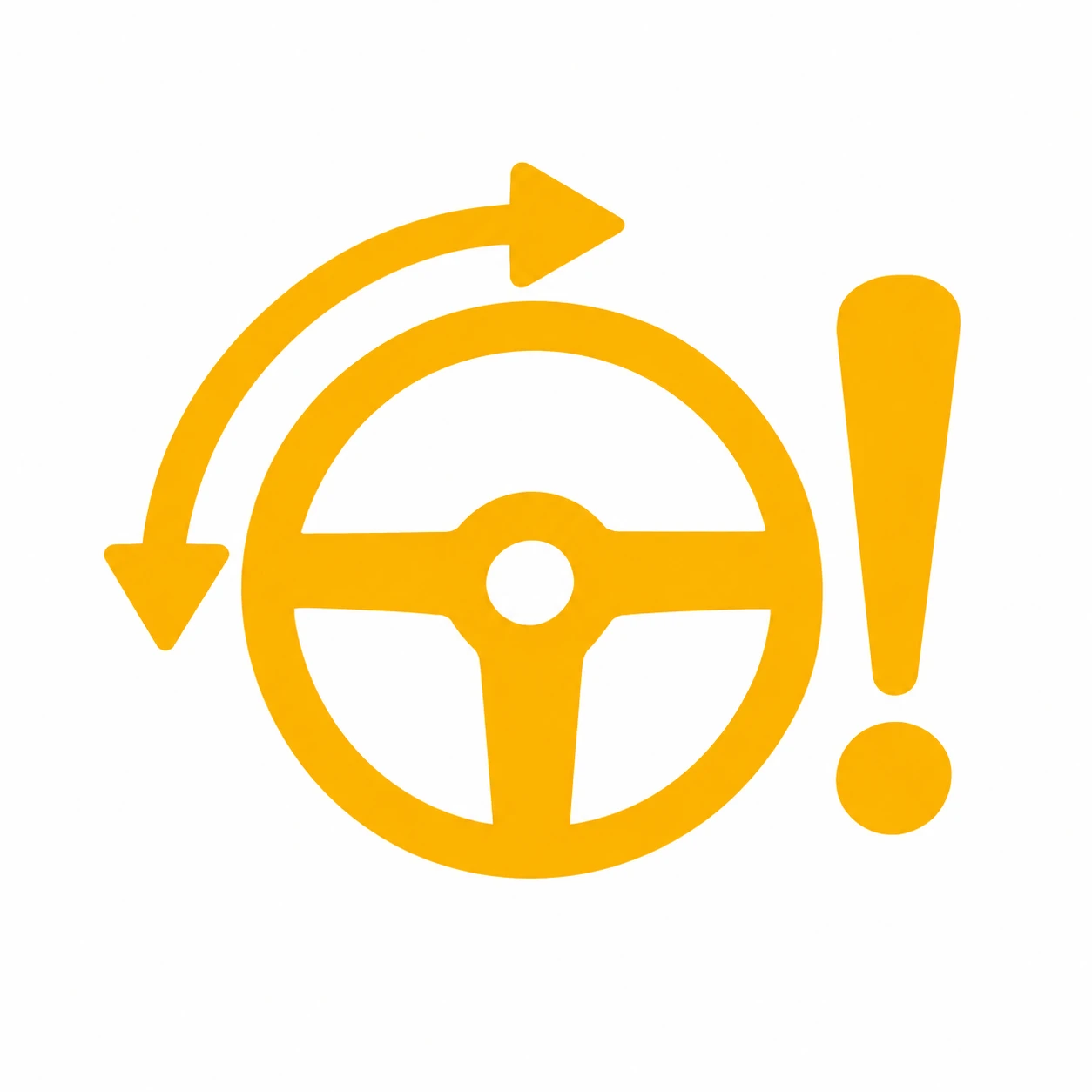 Power Steering Fault (EPS)

VehicleE07
Amber · Steering Fault
What It Means
The electric power-steering system has detected a fault.
What To Do
Keep firm control of the wheel and stop safely if steering becomes difficult. Arrange an authorised inspection promptly.
E07 Owner’s Manual — PDF p. 5.
 Electronic Parking Brake Fault

VehicleE07
Amber · Parking-Brake Fault
What It Means
The parking-brake system has detected a fault.
What To Do
Do not rely on the parking brake to hold the vehicle unattended. Follow the displayed instructions and contact an authorised service centre.
E07 Owner’s Manual — PDF p. 5.
 Braking System Fault

VehicleE07
Red · Brake-System Warning
What It Means
The exclamation mark inside a brake circle can indicate low brake fluid or another braking-system fault.
What To Do
Stop safely, read the message and seek assistance. Do not assume braking performance is normal.
E07 Owner’s Manual — PDF p. 5.
 Anti-Lock Braking System (ABS) Fault
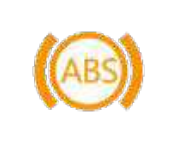
VehicleE07
Amber · ABS Fault
What It Means
The anti-lock braking system has detected a fault.
What To Do
Read any accompanying brake warnings and arrange inspection. Do not assume ABS protection is available.
E07 Owner’s Manual — PDF p. 6.
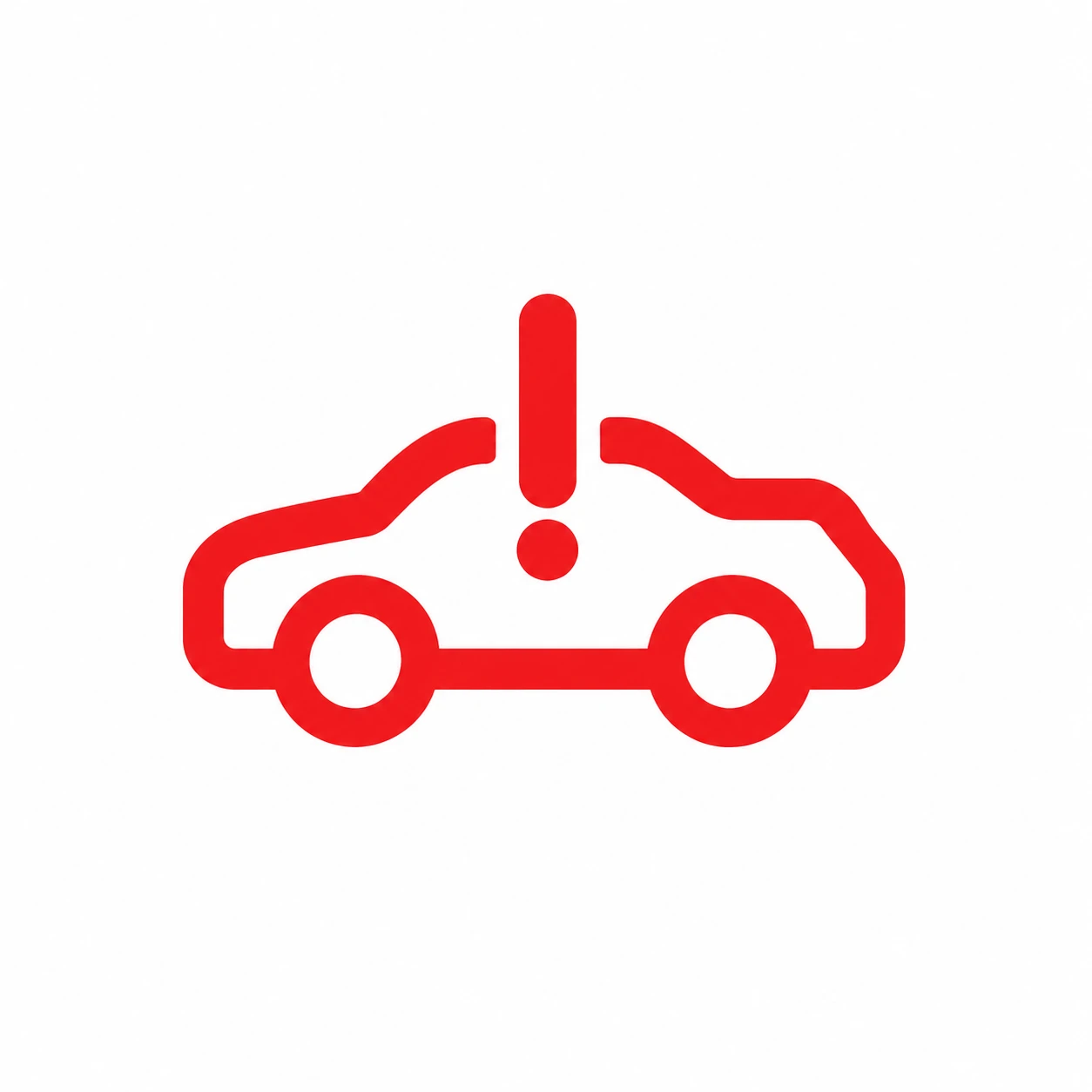 Power-System Fault
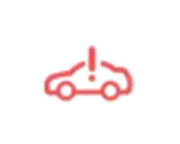
VehicleE07
Red Or Yellow · Fault Level
What It Means
The car-with-exclamation symbol indicates a power-system fault. The manual distinguishes red and yellow levels.
What To Do
Read the exact message. Stop safely for a red warning or loss of normal operation and seek assistance; arrange inspection for a persistent yellow warning.
E07 Owner’s Manual — PDF p. 6.
 Drive Power Limited

VehicleE07
Amber Turtle · Limited Power
What It Means
Available propulsion power is restricted. The symbol does not identify the cause by itself.
What To Do
Allow for reduced acceleration, move to a safe location and follow the accompanying message.
E07 Owner’s Manual — PDF p. 6.
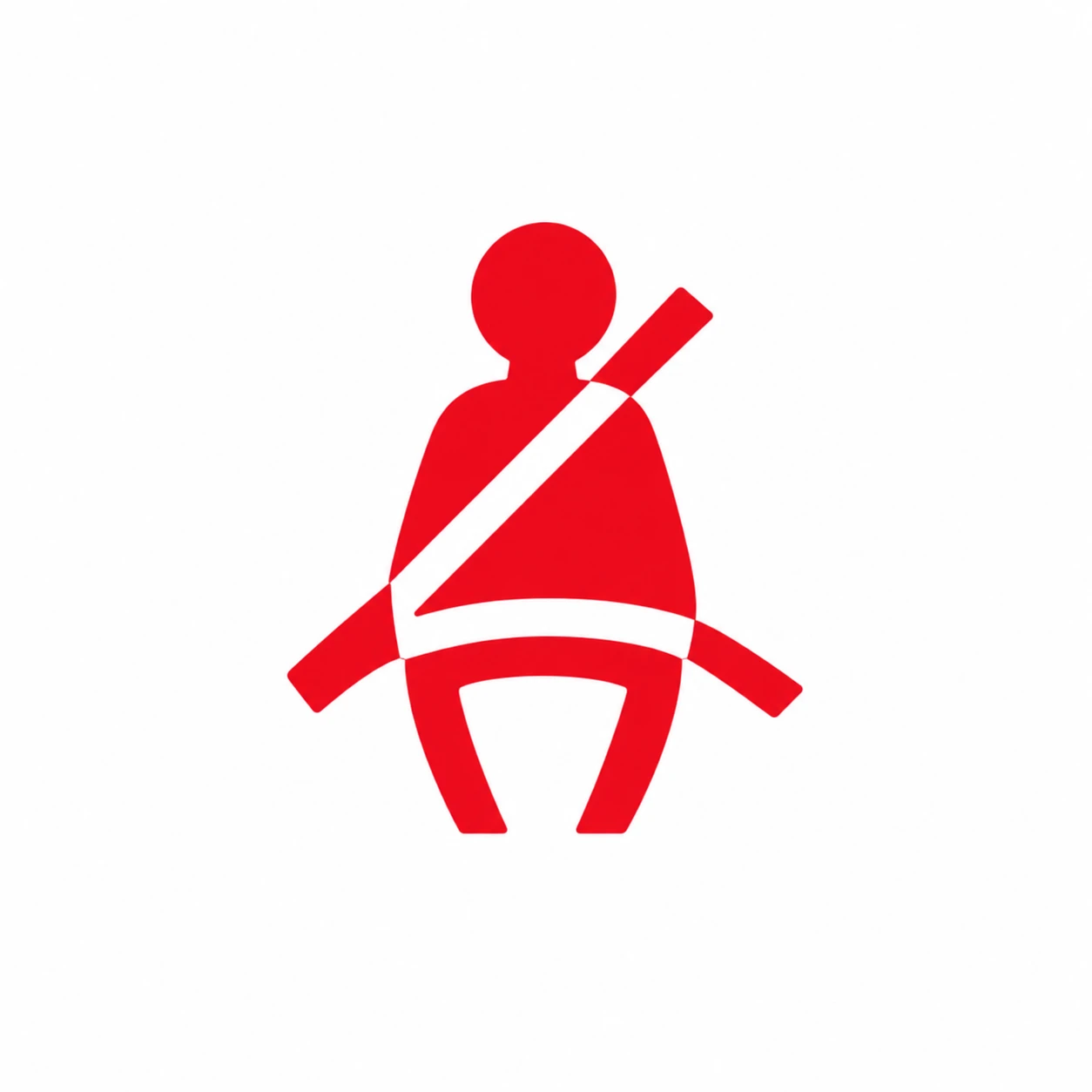 Front Seat Belt Reminder
VehicleE07
Red · Seat Belt Unfastened
What It Means
A front occupant has not fastened their belt. Items on the passenger seat can also trigger a reminder.
What To Do
Fasten occupied-seat belts. Secure loose items elsewhere if an empty seat is triggering it.
E07 Owner’s Manual — PDF p. 3.
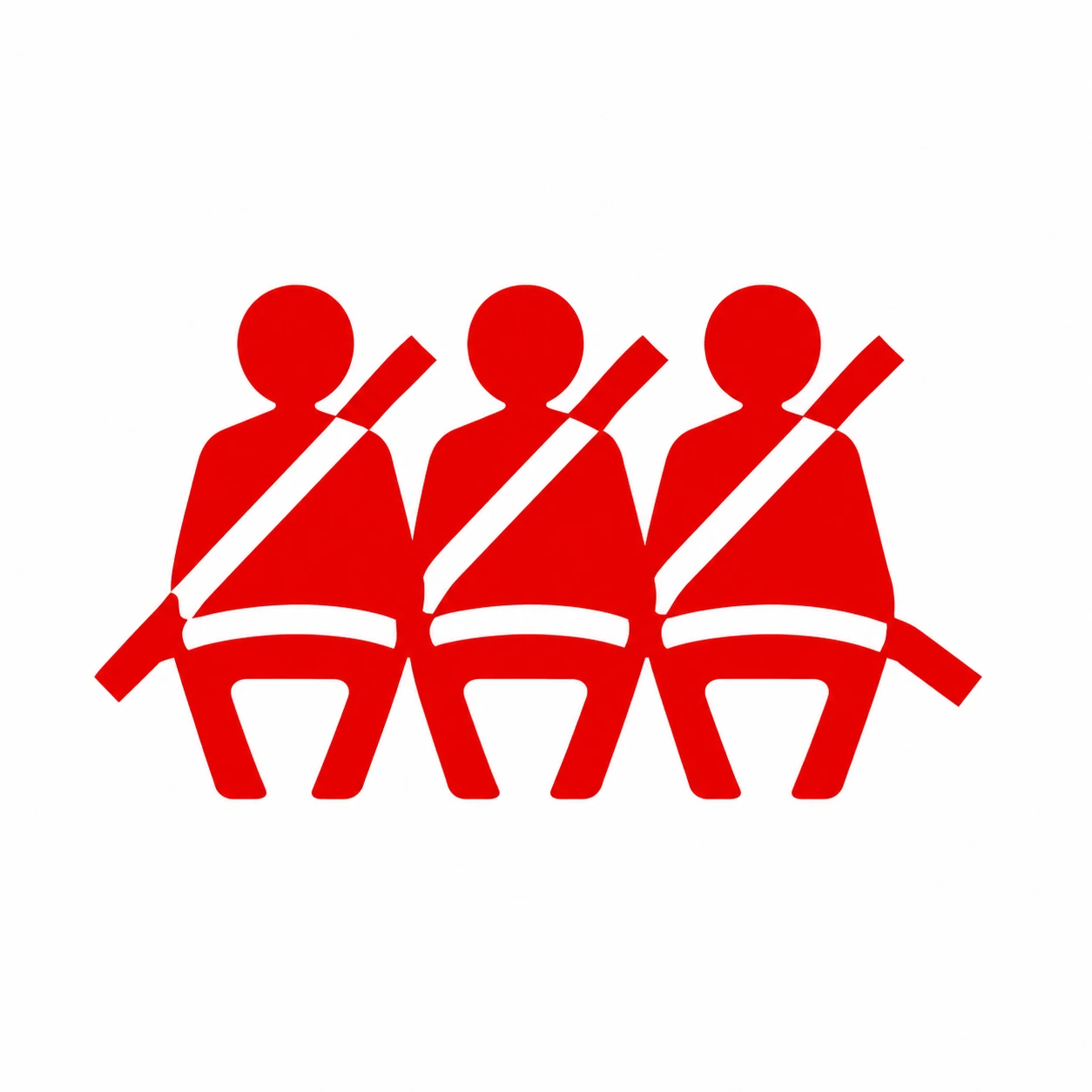 Rear Seat Belt Reminder

VehicleE07
Red · Unfastened Position
What It Means
The highlighted rear seating position has an unfastened belt.
What To Do
Check every occupied rear seat before moving.
E07 Owner’s Manual — PDF p. 4.
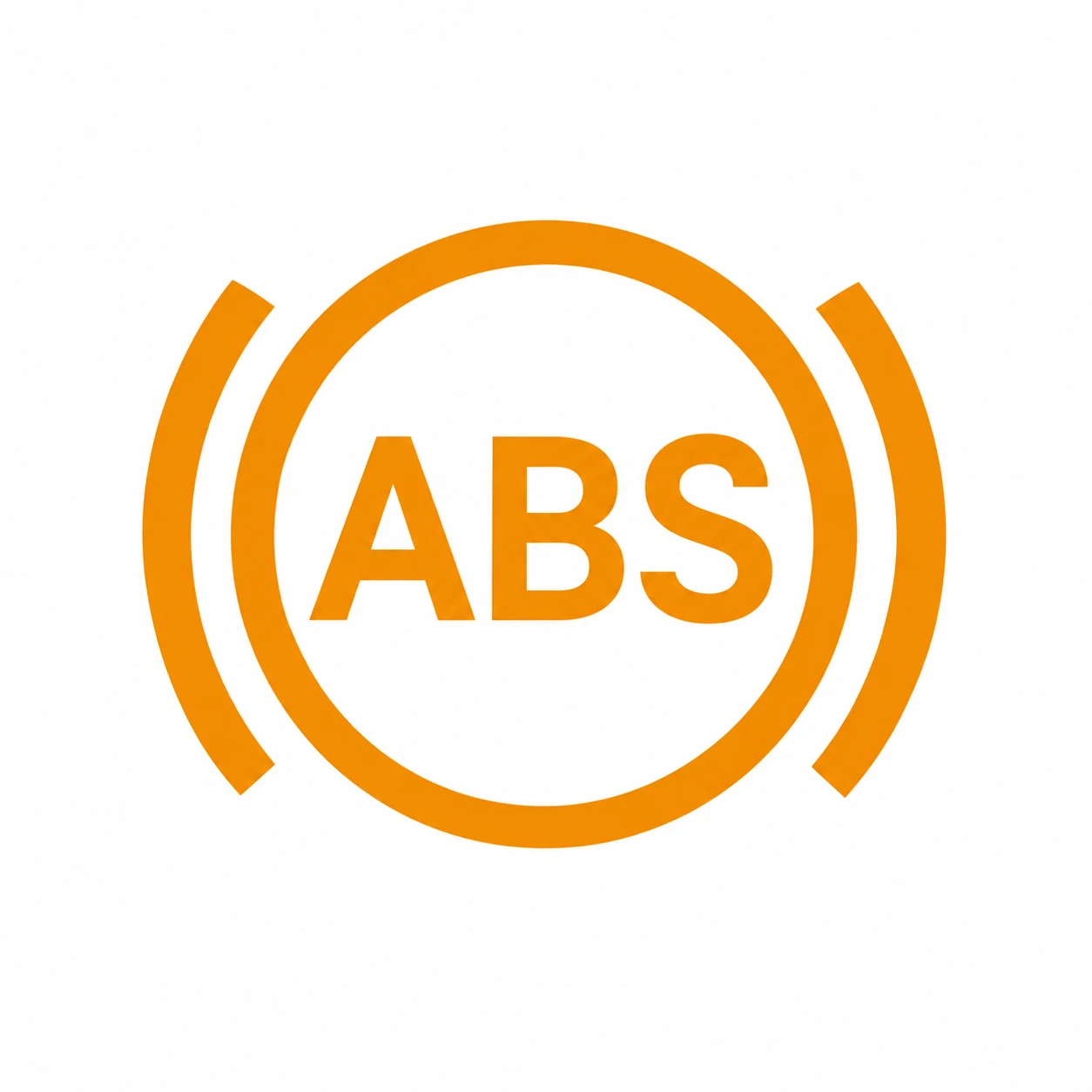 ABS Warning
VehicleS07
S07 Reference
What It Identifies
An anti-lock braking system warning.
What To Check
Match the complete symbol and any OFF marking, then read the colour, flashing behaviour and message on the vehicle. Use the S07 instructions for an S07; confirm E07 applicability separately.
S07 Owner’s Manual — PDF p. 7.
 EPB Fault

VehicleS07
S07 Reference
What It Identifies
An electronic parking-brake fault indication.
What To Check
Match the complete symbol and any OFF marking, then read the colour, flashing behaviour and message on the vehicle. Use the S07 instructions for an S07; confirm E07 applicability separately.
S07 Owner’s Manual — PDF p. 7.
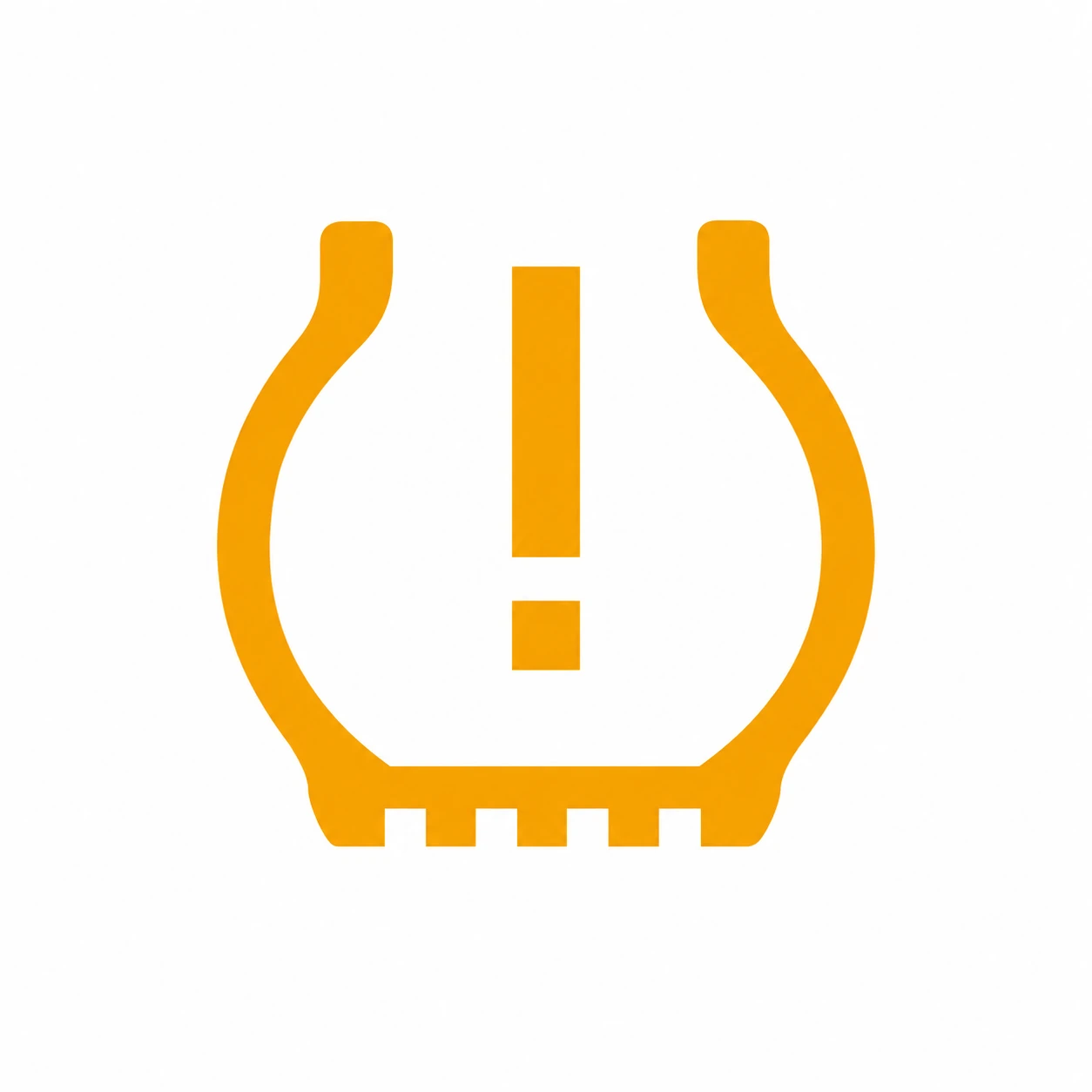 Tyre Pressure Warning
VehicleS07
S07 Reference
What It Identifies
A tyre-pressure monitoring warning. The accompanying message and flashing pattern matter.
What To Check
Match the complete symbol and any OFF marking, then read the colour, flashing behaviour and message on the vehicle. Use the S07 instructions for an S07; confirm E07 applicability separately.
S07 Owner’s Manual — PDF p. 7.
 Driver Seat Belt
VehicleS07
S07 Reference
What It Identifies
A driver seat-belt reminder.
What To Check
Match the complete symbol and any OFF marking, then read the colour, flashing behaviour and message on the vehicle. Use the S07 instructions for an S07; confirm E07 applicability separately.
S07 Owner’s Manual — PDF p. 7.
 Airbag Warning

VehicleS07
S07 Reference
What It Identifies
An airbag-system warning.
What To Check
Match the complete symbol and any OFF marking, then read the colour, flashing behaviour and message on the vehicle. Use the S07 instructions for an S07; confirm E07 applicability separately.
S07 Owner’s Manual — PDF p. 7.
 EPB Applied

VehicleS07
S07 Reference
What It Identifies
Parking-brake status. Read any message if the symbol flashes.
What To Check
Match the complete symbol and any OFF marking, then read the colour, flashing behaviour and message on the vehicle. Use the S07 instructions for an S07; confirm E07 applicability separately.
S07 Owner’s Manual — PDF p. 7.
 Front Passenger Airbag On
VehicleS07
S07 Reference
What It Identifies
The front passenger airbag ON status indication.
What To Check
Match the complete symbol and any OFF marking, then read the colour, flashing behaviour and message on the vehicle. Use the S07 instructions for an S07; confirm E07 applicability separately.
S07 Owner’s Manual — PDF p. 7.
 Front Passenger Airbag Off

VehicleS07
S07 Reference
What It Identifies
The front passenger airbag OFF status indication.
What To Check
Match the complete symbol and any OFF marking, then read the colour, flashing behaviour and message on the vehicle. Use the S07 instructions for an S07; confirm E07 applicability separately.
S07 Owner’s Manual — PDF p. 8.
 ESC Off

VehicleS07
S07 Reference
What It Identifies
Electronic stability control is switched off.
What To Check
Match the complete symbol and any OFF marking, then read the colour, flashing behaviour and message on the vehicle. Use the S07 instructions for an S07; confirm E07 applicability separately.
S07 Owner’s Manual — PDF p. 8.
 ESC
ESC
VehicleS07
S07 Reference
What It Identifies
Electronic stability-control indication; intervention and a fault must be distinguished using its behaviour and the vehicle’s message.
What To Check
Match the complete symbol and any OFF marking, then read the colour, flashing behaviour and message on the vehicle. Use the S07 instructions for an S07; confirm E07 applicability separately.
S07 Owner’s Manual — PDF p. 8.
 EPS Warning

VehicleS07
S07 Reference
What It Identifies
An electric power-steering warning.
What To Check
Match the complete symbol and any OFF marking, then read the colour, flashing behaviour and message on the vehicle. Use the S07 instructions for an S07; confirm E07 applicability separately.
S07 Owner’s Manual — PDF p. 8.
 Brake System Warning

VehicleS07
S07 Reference
What It Identifies
A braking-system warning.
What To Check
Match the complete symbol and any OFF marking, then read the colour, flashing behaviour and message on the vehicle. Use the S07 instructions for an S07; confirm E07 applicability separately.
S07 Owner’s Manual — PDF p. 8.
 Hill Descent Control
VehicleS07
S07 Reference
What It Identifies
Hill-descent-control indication.
What To Check
Match the complete symbol and any OFF marking, then read the colour, flashing behaviour and message on the vehicle. Use the S07 instructions for an S07; confirm E07 applicability separately.
S07 Owner’s Manual — PDF p. 8.
 AUTO HOLD

VehicleS07
S07 Reference
What It Identifies
Automatic brake-hold indication.
What To Check
Match the complete symbol and any OFF marking, then read the colour, flashing behaviour and message on the vehicle. Use the S07 instructions for an S07; confirm E07 applicability separately.
S07 Owner’s Manual — PDF p. 8.
Driver Alertness
 Fatigue Alarm

VehicleS07
S07 Reference
What It Identifies
A driver-fatigue alert.
What To Check
Match the complete symbol and any OFF marking, then read the colour, flashing behaviour and message on the vehicle. Use the S07 instructions for an S07; confirm E07 applicability separately.
S07 Owner’s Manual — PDF p. 8.
Driver Assistance
 Downhill Assist
VehicleE07
Green Steady · Standby / Green Flashing · Active / Yellow · Fault
What It Means
The same symbol distinguishes downhill-assist standby, intervention and a fault. Off means the function is off.
What To Do
Continue controlling the vehicle. If yellow persists, read the message and arrange inspection.
E07 Owner’s Manual — PDF p. 4.
 Adaptive Cruise Control (ACC)

VehicleE07
Blue · Active / Grey · Waiting
What It Means
The speedometer-style ACC icon shows adaptive-cruise status; the set speed is displayed with it.
What To Do
Confirm the set speed and gap. Be ready to brake or steer yourself.
E07 Owner’s Manual — PDF p. 4.
 Cruise / Steering Assistance

VehicleE07
Blue · Active / Grey · Waiting / Grey With Red Mark · Disabled
What It Means
The steering-wheel-style cruise indicator changes with the assistance state.
What To Do
Read the current assistance status; a waiting or disabled symbol does not mean the car is steering for you.
E07 Owner’s Manual — PDF p. 5.
 Electronic Stability Control (ESC)

VehicleE07
Flashing · Intervening / Steady · Fault
What It Means
The skidding-car symbol flashes during stability-control intervention. A continuous light indicates a fault in the manual.
What To Do
Ease off and adapt to the grip available. Arrange inspection if it stays on.
E07 Owner’s Manual — PDF p. 5.
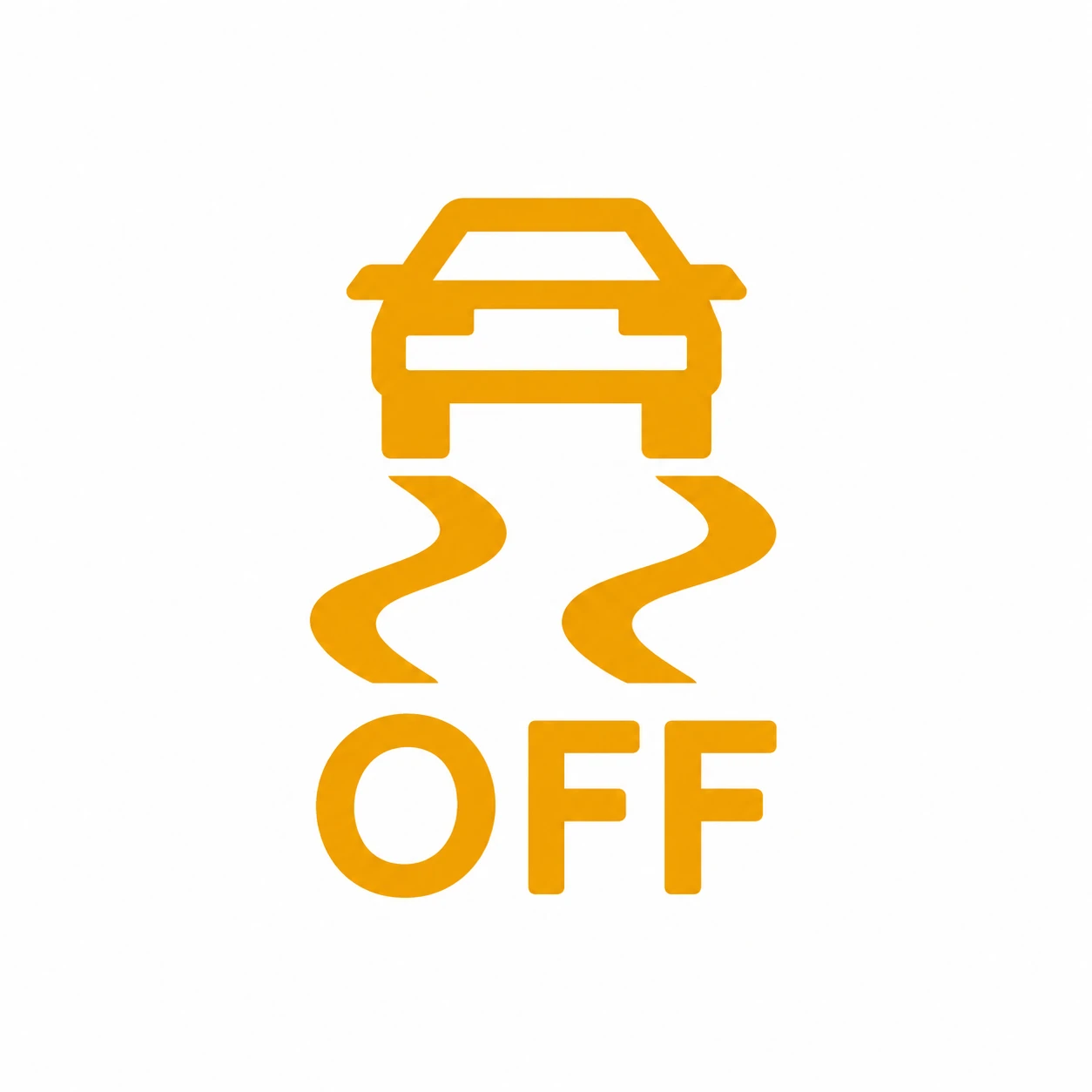 ESC Off

VehicleE07
Amber With OFF · Switched Off
What It Means
Electronic stability control has been turned off. This differs from the ordinary flashing ESC intervention symbol.
What To Do
Check the setting and restore ESC for normal driving.
E07 Owner’s Manual — PDF p. 5.
 AUTO HOLD

VehicleE07
Green · Operating
What It Means
The automatic brake-hold function is operating. This differs from the parking-brake P.
What To Do
Confirm the hold state before releasing the brake pedal; remain ready to brake.
E07 Owner’s Manual — PDF p. 5.
 Autonomous Emergency Braking (AEB)
VehicleE07
Yellow With OFF · Off / Yellow Without OFF · Fault
What It Means
The OFF marking distinguishes a disabled AEB function from the yellow fault indication.
What To Do
Check the assistance settings and warning message. Do not rely on automatic emergency braking; arrange inspection for a persistent fault.
E07 Owner’s Manual — PDF p. 6.
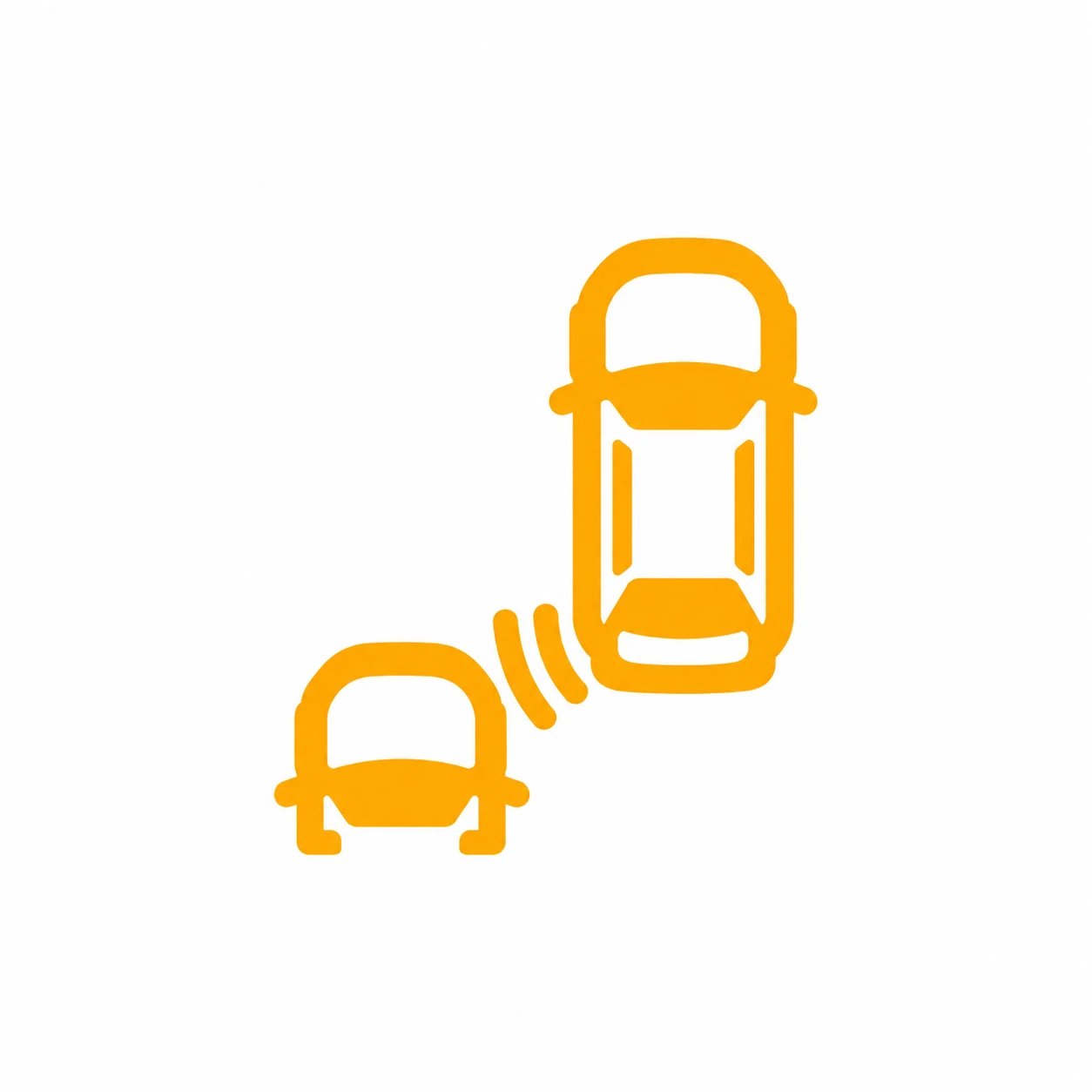 Blind-Spot Monitoring
VehicleE07
Amber · Vehicle Detected
What It Means
The illustrated symbol indicates a vehicle approaching from behind in the monitored area.
What To Do
Check mirrors and the surrounding traffic before changing lanes. A warning does not replace looking.
E07 Owner’s Manual — PDF p. 6.
 Intelligent Speed Assistance Fault

VehicleS07
S07 Reference
What It Identifies
An intelligent speed-assistance fault indication.
What To Check
Match the complete symbol and any OFF marking, then read the colour, flashing behaviour and message on the vehicle. Use the S07 instructions for an S07; confirm E07 applicability separately.
S07 Owner’s Manual — PDF p. 8.
 Intelligent Speed Assistance Off

VehicleS07
S07 Reference
What It Identifies
Intelligent speed assistance is switched off.
What To Check
Match the complete symbol and any OFF marking, then read the colour, flashing behaviour and message on the vehicle. Use the S07 instructions for an S07; confirm E07 applicability separately.
S07 Owner’s Manual — PDF p. 8.
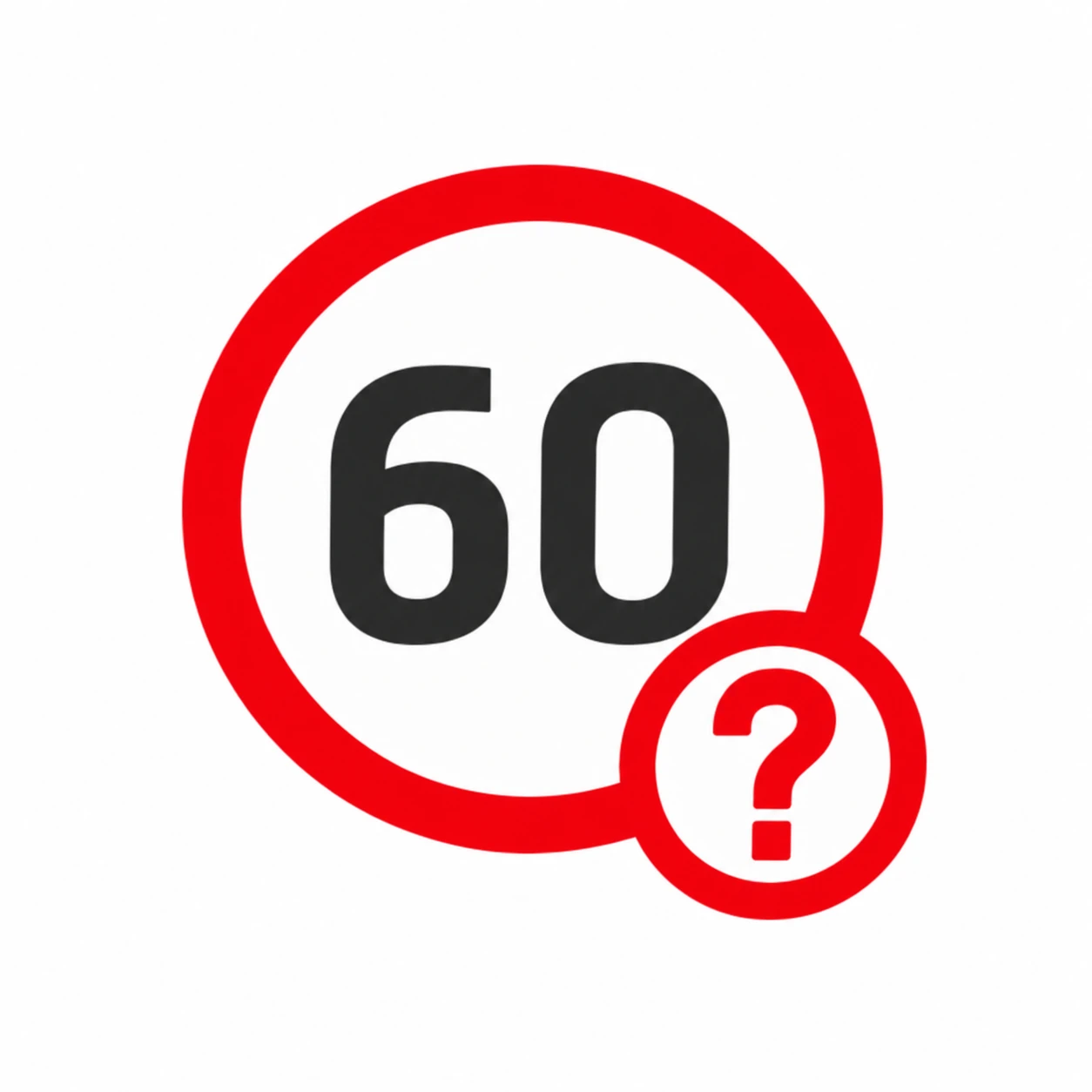 Ambiguous Speed Limit

VehicleS07
S07 Reference
What It Identifies
The recognised speed-limit information is uncertain. The pictured number is an example.
What To Check
Match the complete symbol and any OFF marking, then read the colour, flashing behaviour and message on the vehicle. Use the S07 instructions for an S07; confirm E07 applicability separately.
S07 Owner’s Manual — PDF p. 8.
 Unrestricted Speed

VehicleS07
S07 Reference
What It Identifies
The manual identifies this as an unrestricted-speed sign; continue following the applicable road rules.
What To Check
Match the complete symbol and any OFF marking, then read the colour, flashing behaviour and message on the vehicle. Use the S07 instructions for an S07; confirm E07 applicability separately.
S07 Owner’s Manual — PDF p. 8.
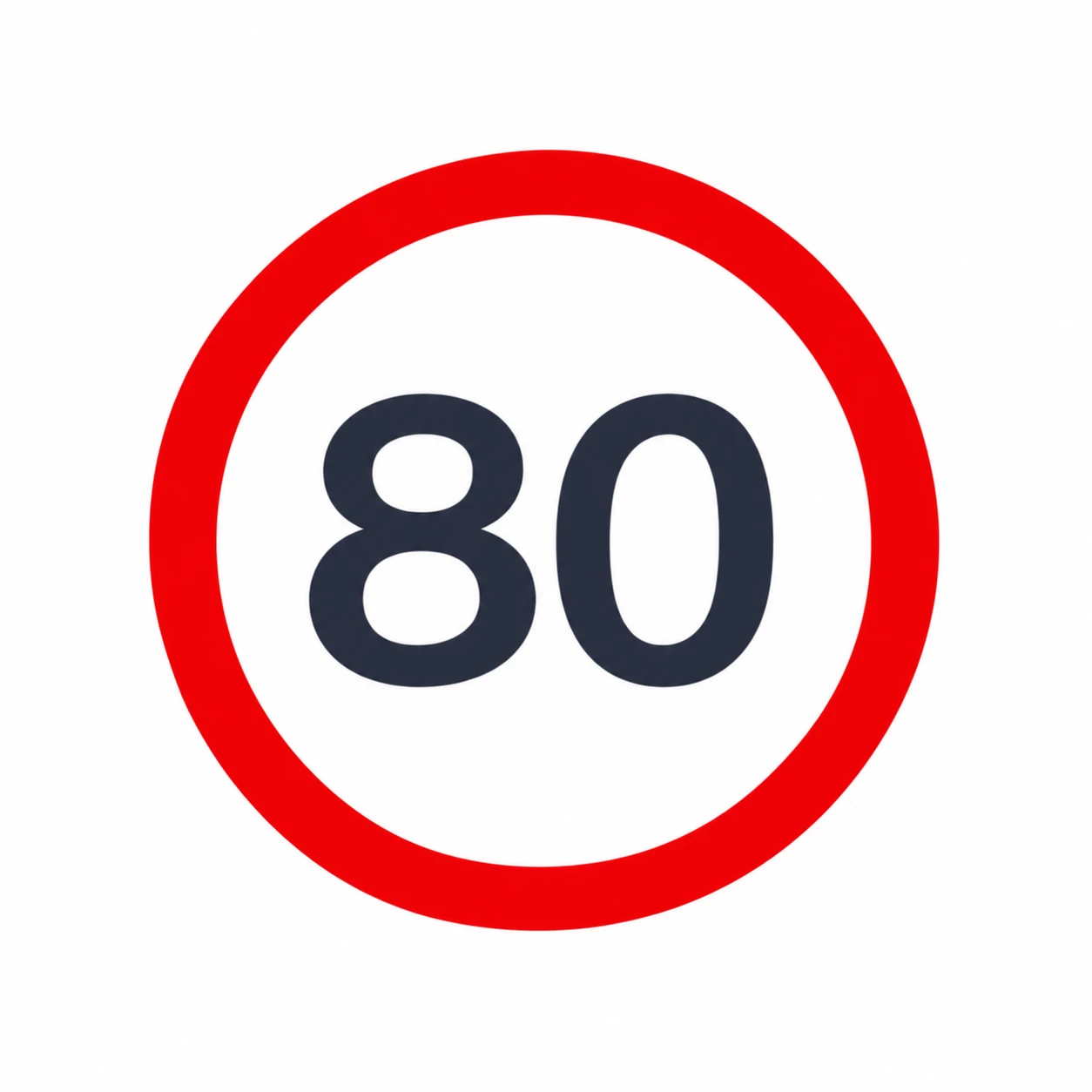 Speed Limit Reminder
VehicleS07
S07 Reference
What It Identifies
A speed-limit reminder. The pictured 80 is an example.
What To Check
Match the complete symbol and any OFF marking, then read the colour, flashing behaviour and message on the vehicle. Use the S07 instructions for an S07; confirm E07 applicability separately.
S07 Owner’s Manual — PDF p. 8.
 Speed Limitation Warning Off

VehicleS07
S07 Reference
What It Identifies
The speed-limitation warning function is switched off.
What To Check
Match the complete symbol and any OFF marking, then read the colour, flashing behaviour and message on the vehicle. Use the S07 instructions for an S07; confirm E07 applicability separately.
S07 Owner’s Manual — PDF p. 8.
 AEB
AEB

VehicleS07
S07 Reference
What It Identifies
Autonomous emergency-braking indication.
What To Check
Match the complete symbol and any OFF marking, then read the colour, flashing behaviour and message on the vehicle. Use the S07 instructions for an S07; confirm E07 applicability separately.
S07 Owner’s Manual — PDF p. 8.
 AEB Off

VehicleS07
S07 Reference
What It Identifies
Autonomous emergency braking is switched off.
What To Check
Match the complete symbol and any OFF marking, then read the colour, flashing behaviour and message on the vehicle. Use the S07 instructions for an S07; confirm E07 applicability separately.
S07 Owner’s Manual — PDF p. 8.
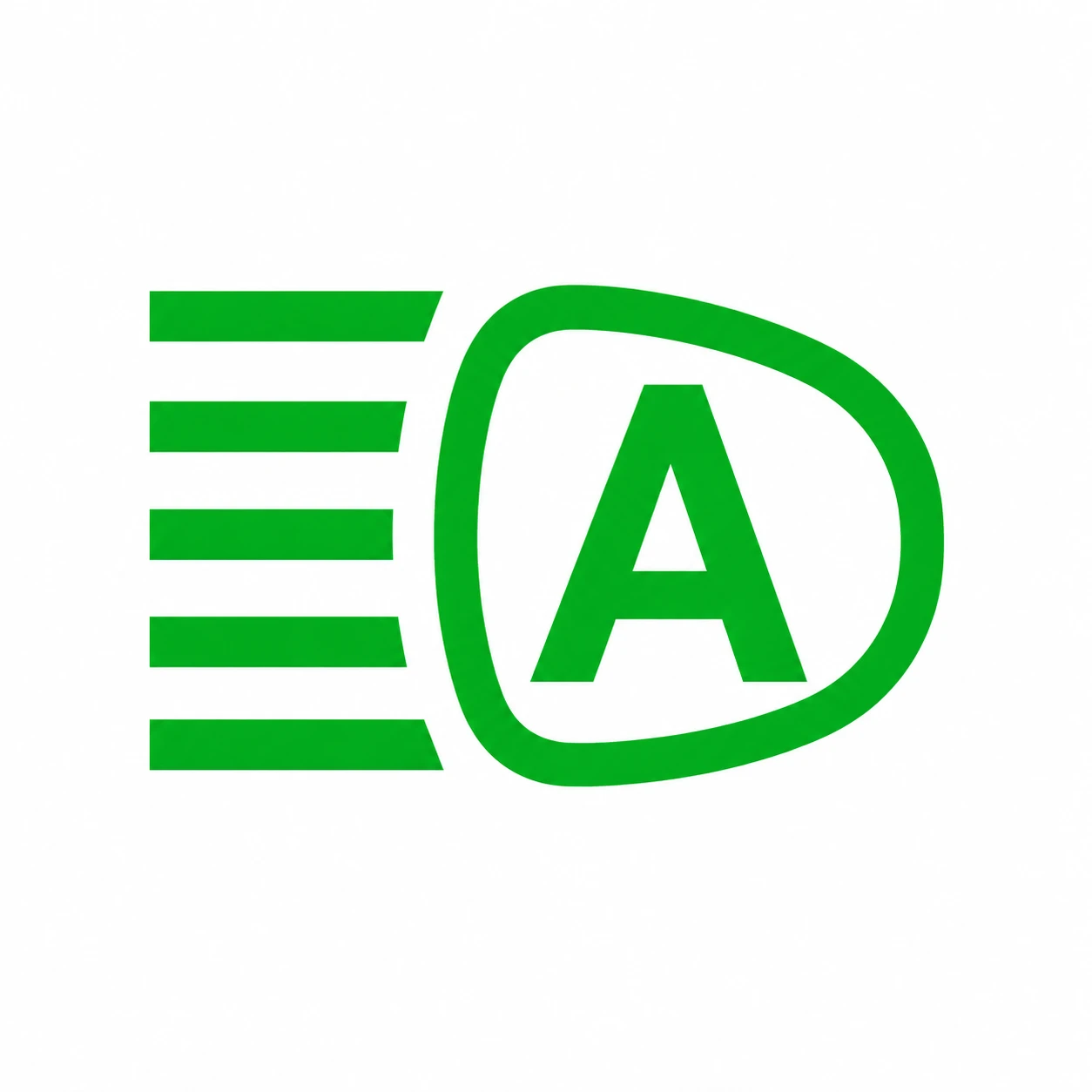 Intelligent High Beam

VehicleS07
S07 Reference
What It Identifies
Intelligent high-beam indication.
What To Check
Match the complete symbol and any OFF marking, then read the colour, flashing behaviour and message on the vehicle. Use the S07 instructions for an S07; confirm E07 applicability separately.
S07 Owner’s Manual — PDF p. 8.
 Integrated Adaptive Cruise Control
VehicleS07
S07 Reference
What It Identifies
Integrated adaptive cruise-control indication.
What To Check
Match the complete symbol and any OFF marking, then read the colour, flashing behaviour and message on the vehicle. Use the S07 instructions for an S07; confirm E07 applicability separately.
S07 Owner’s Manual — PDF p. 8.
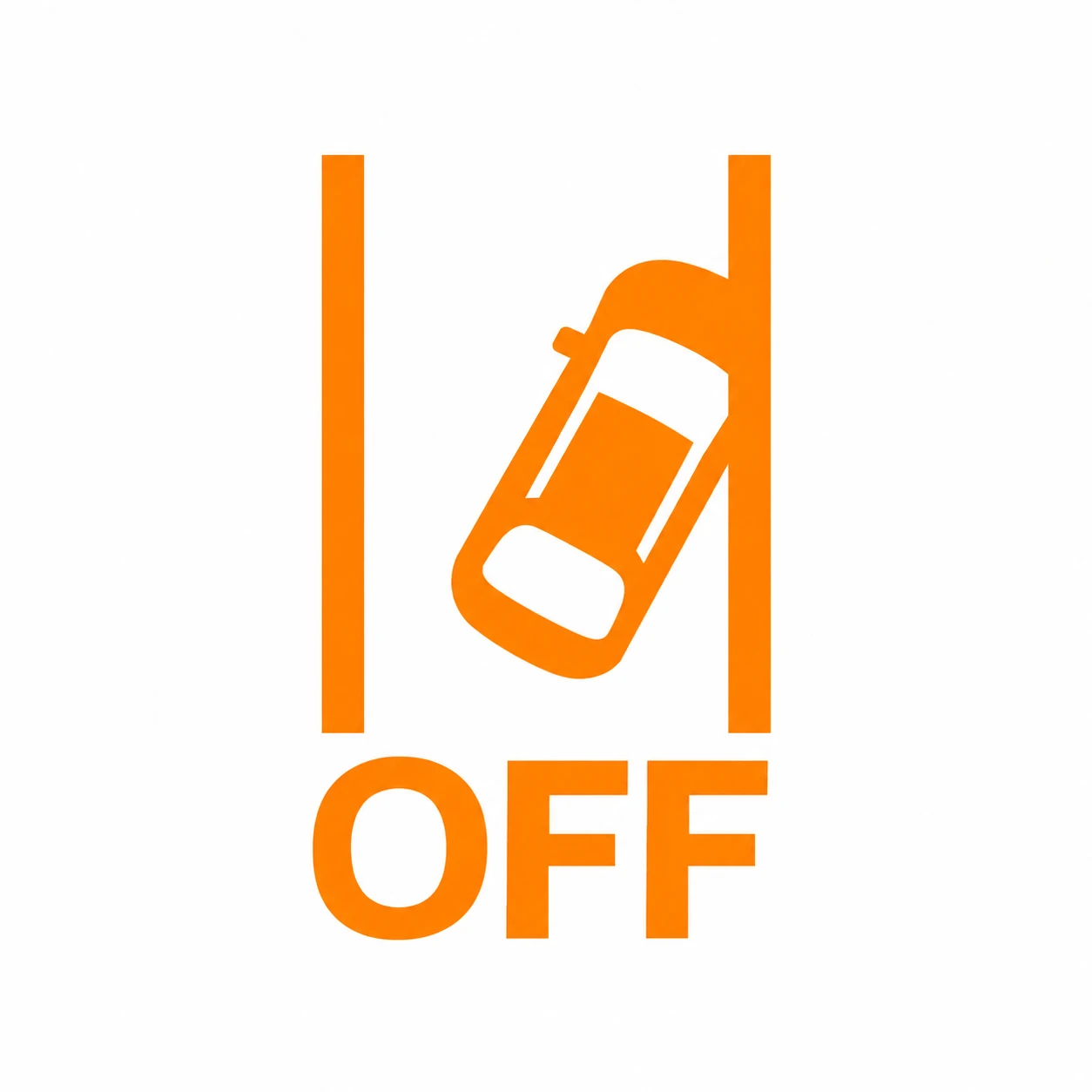 Lane Assistance Off

VehicleS07
S07 Reference
What It Identifies
Lane assistance is switched off.
What To Check
Match the complete symbol and any OFF marking, then read the colour, flashing behaviour and message on the vehicle. Use the S07 instructions for an S07; confirm E07 applicability separately.
S07 Owner’s Manual — PDF p. 8.
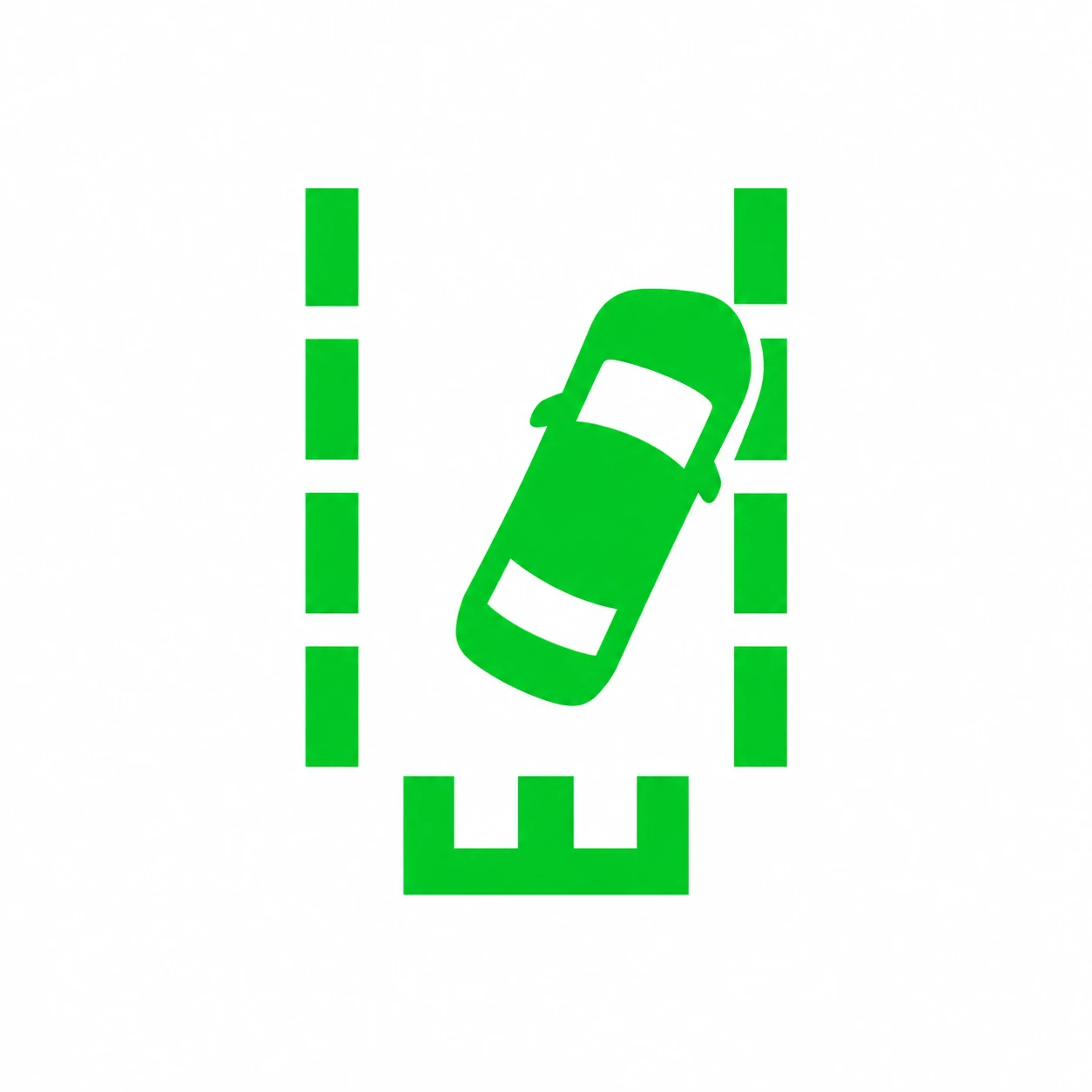 Lane Departure Warning / Lane Keeping Assist

VehicleS07
S07 Reference
What It Identifies
Lane-departure warning / lane-keeping-assistance indication.
What To Check
Match the complete symbol and any OFF marking, then read the colour, flashing behaviour and message on the vehicle. Use the S07 instructions for an S07; confirm E07 applicability separately.
S07 Owner’s Manual — PDF p. 8.
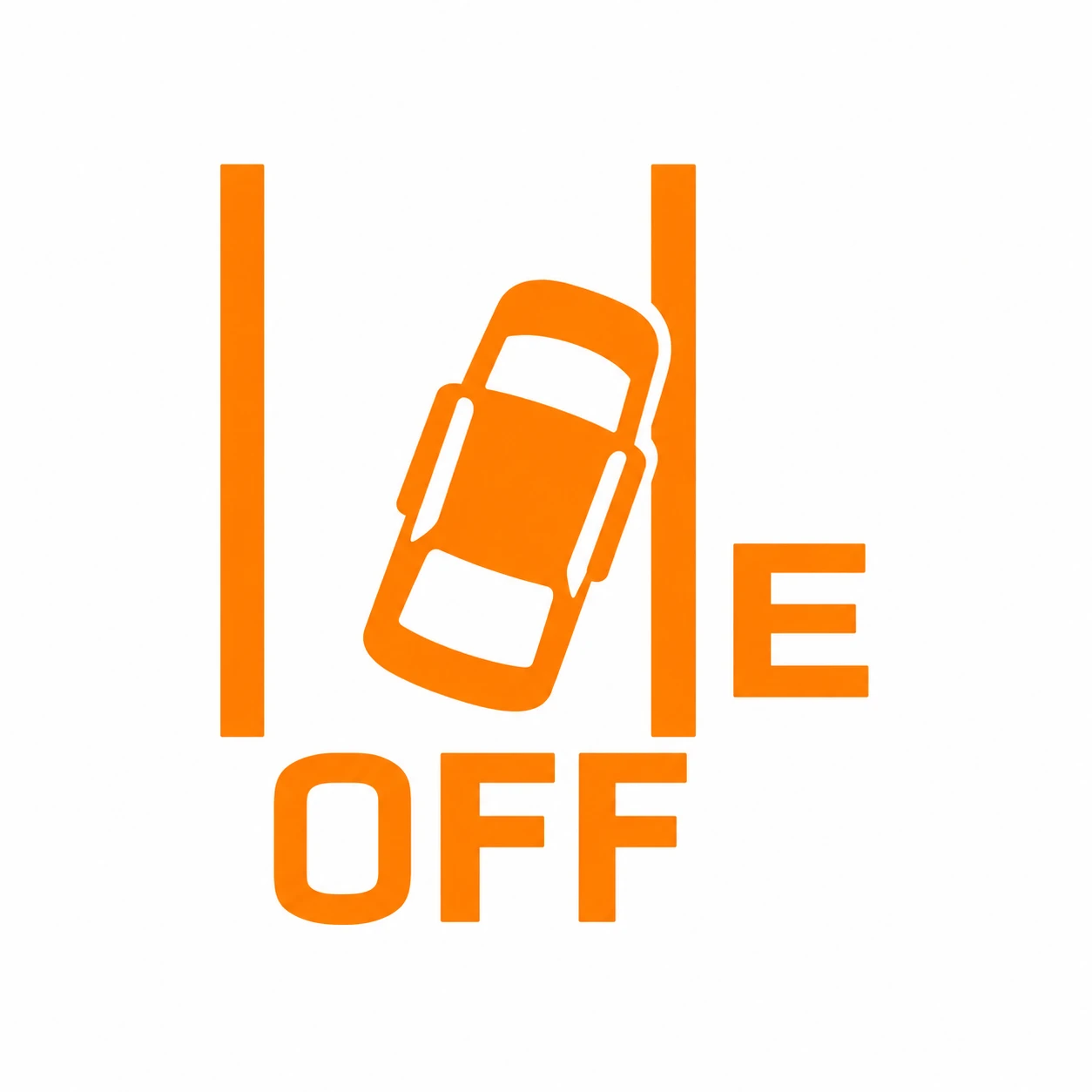 Emergency Lane Keeping Off

VehicleS07
S07 Reference
What It Identifies
Emergency Lane Keeping is switched off. The graphic includes an explicit OFF mark.
What To Check
Match the complete symbol and any OFF marking, then read the colour, flashing behaviour and message on the vehicle. Use the S07 instructions for an S07; confirm E07 applicability separately.
S07 Owner’s Manual — PDF p. 8.
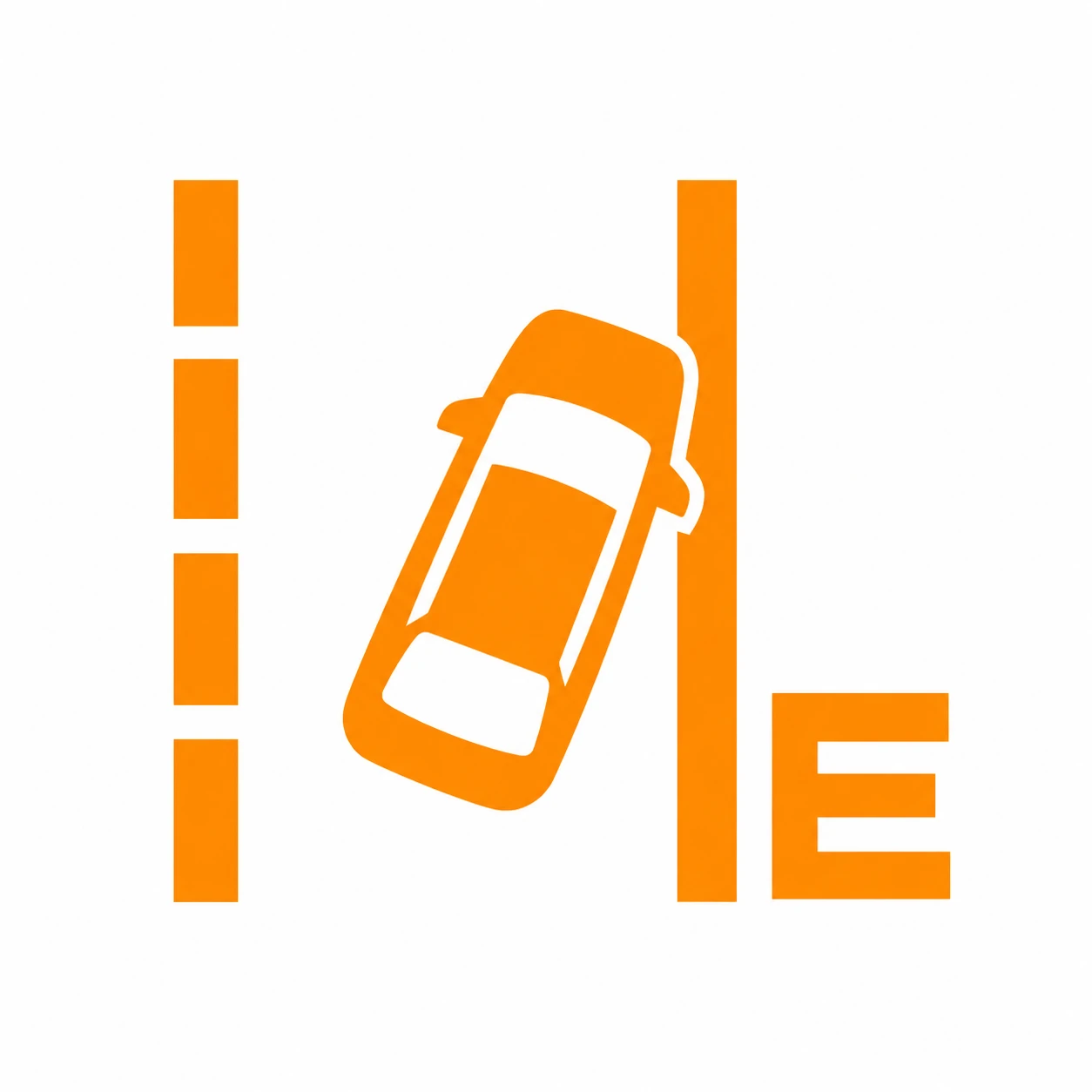 Emergency Lane Keeping Malfunction

VehicleS07
S07 Reference
What It Identifies
Emergency Lane Keeping malfunction indication. This design visually matches the owner’s circled E-marked photo.
What To Check
Match the complete symbol and any OFF marking, then read the colour, flashing behaviour and message on the vehicle. Use the S07 instructions for an S07; confirm E07 applicability separately.
S07 Owner’s Manual — PDF p. 8.
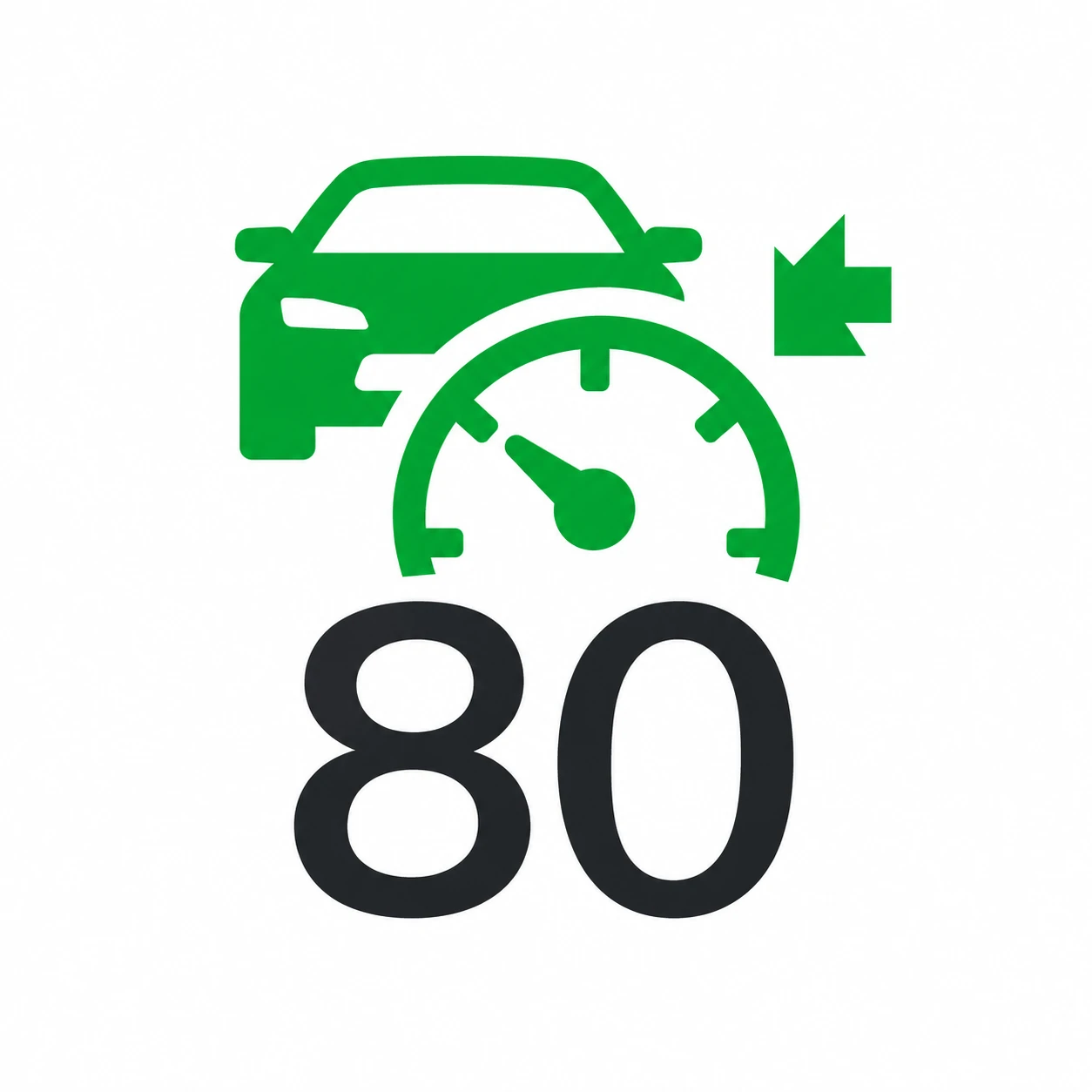 Adaptive Cruise Control
VehicleS07
S07 Reference
What It Identifies
Adaptive cruise-control indication. The pictured speed is an example.
What To Check
Match the complete symbol and any OFF marking, then read the colour, flashing behaviour and message on the vehicle. Use the S07 instructions for an S07; confirm E07 applicability separately.
S07 Owner’s Manual — PDF p. 8.
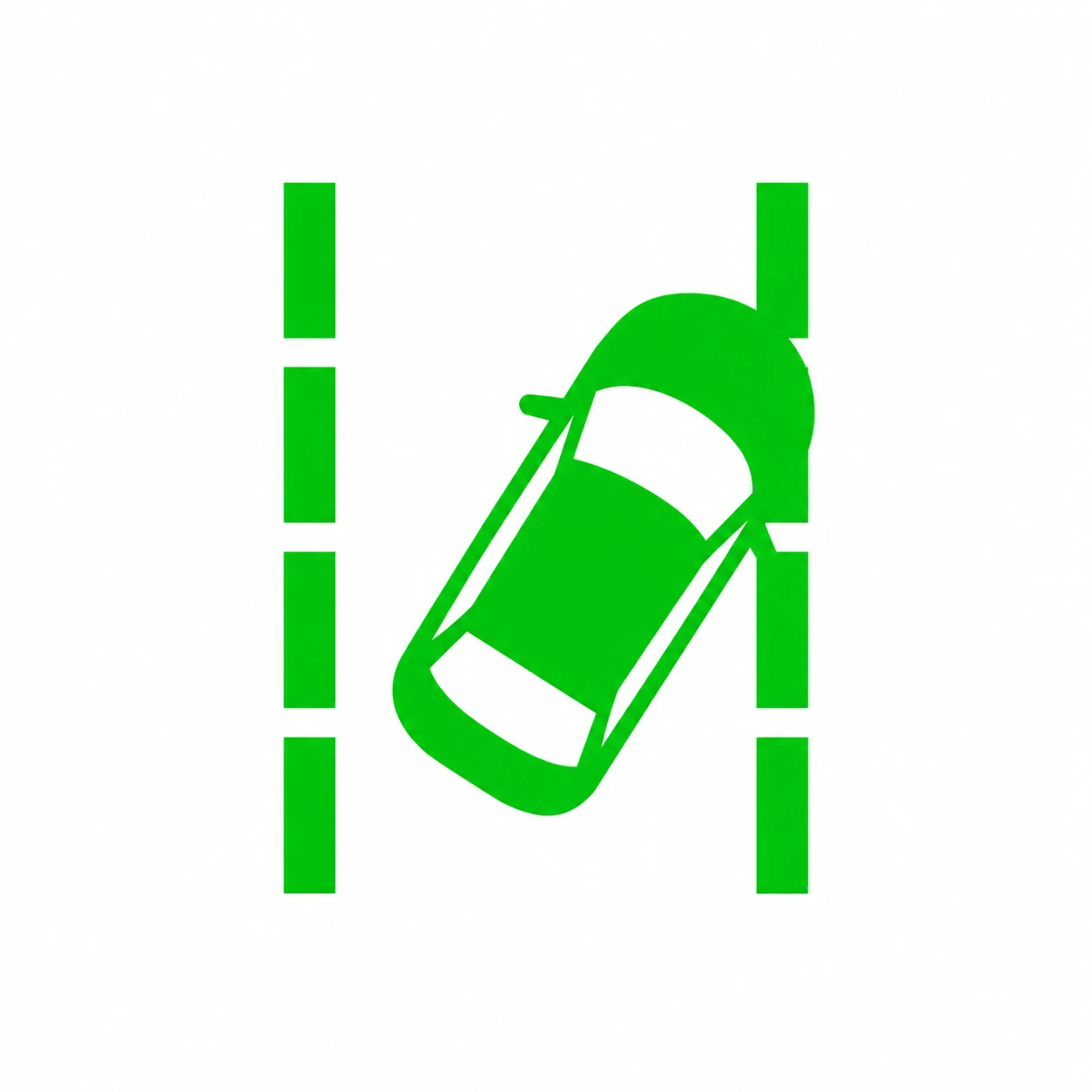 Lane Assistance
VehicleS07
S07 Reference
What It Identifies
Lane-assistance indication.
What To Check
Match the complete symbol and any OFF marking, then read the colour, flashing behaviour and message on the vehicle. Use the S07 instructions for an S07; confirm E07 applicability separately.
S07 Owner’s Manual — PDF p. 8.
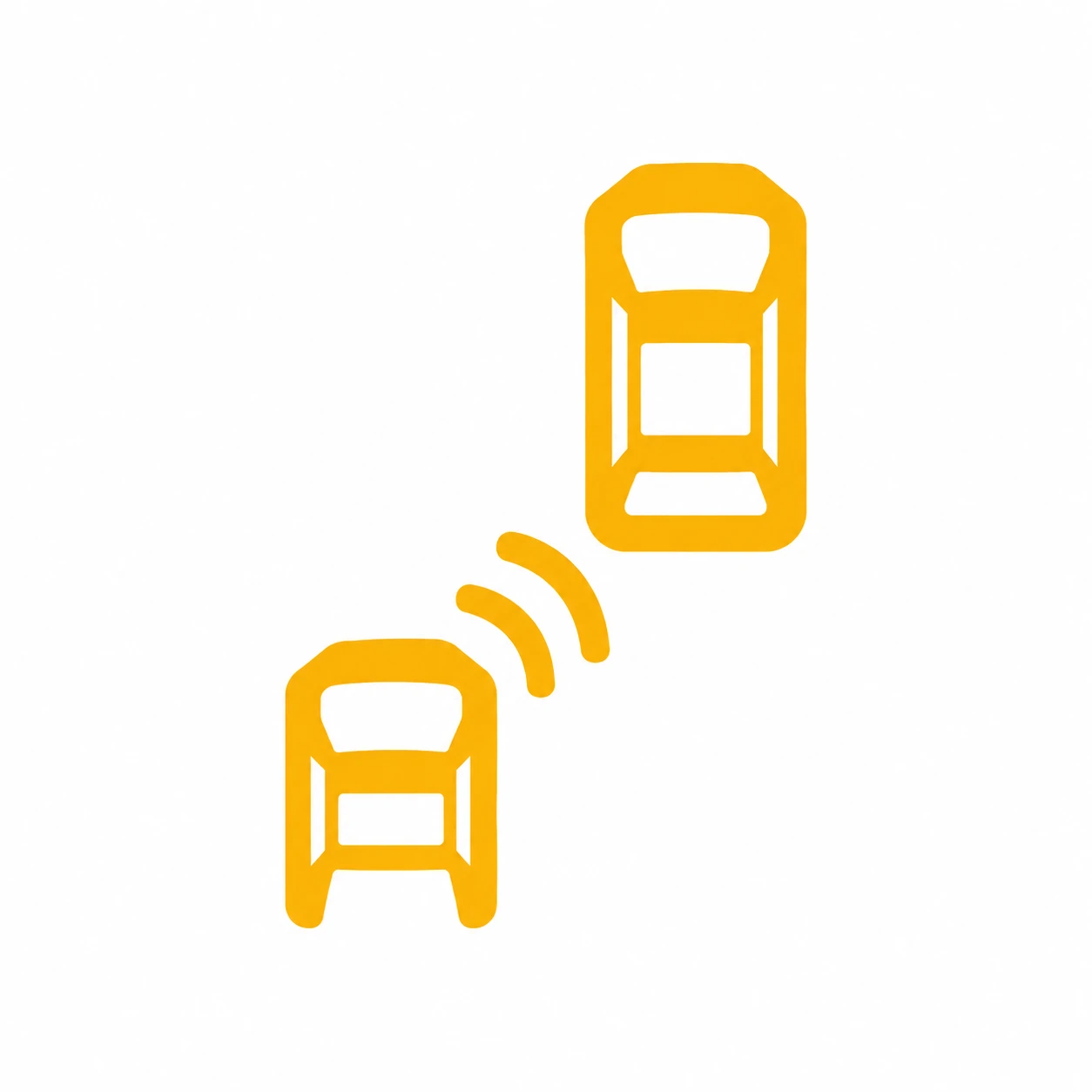 Blind-Spot Detection

VehicleS07
S07 Reference
What It Identifies
Blind-spot detection indication.
What To Check
Match the complete symbol and any OFF marking, then read the colour, flashing behaviour and message on the vehicle. Use the S07 instructions for an S07; confirm E07 applicability separately.
S07 Owner’s Manual — PDF p. 8.
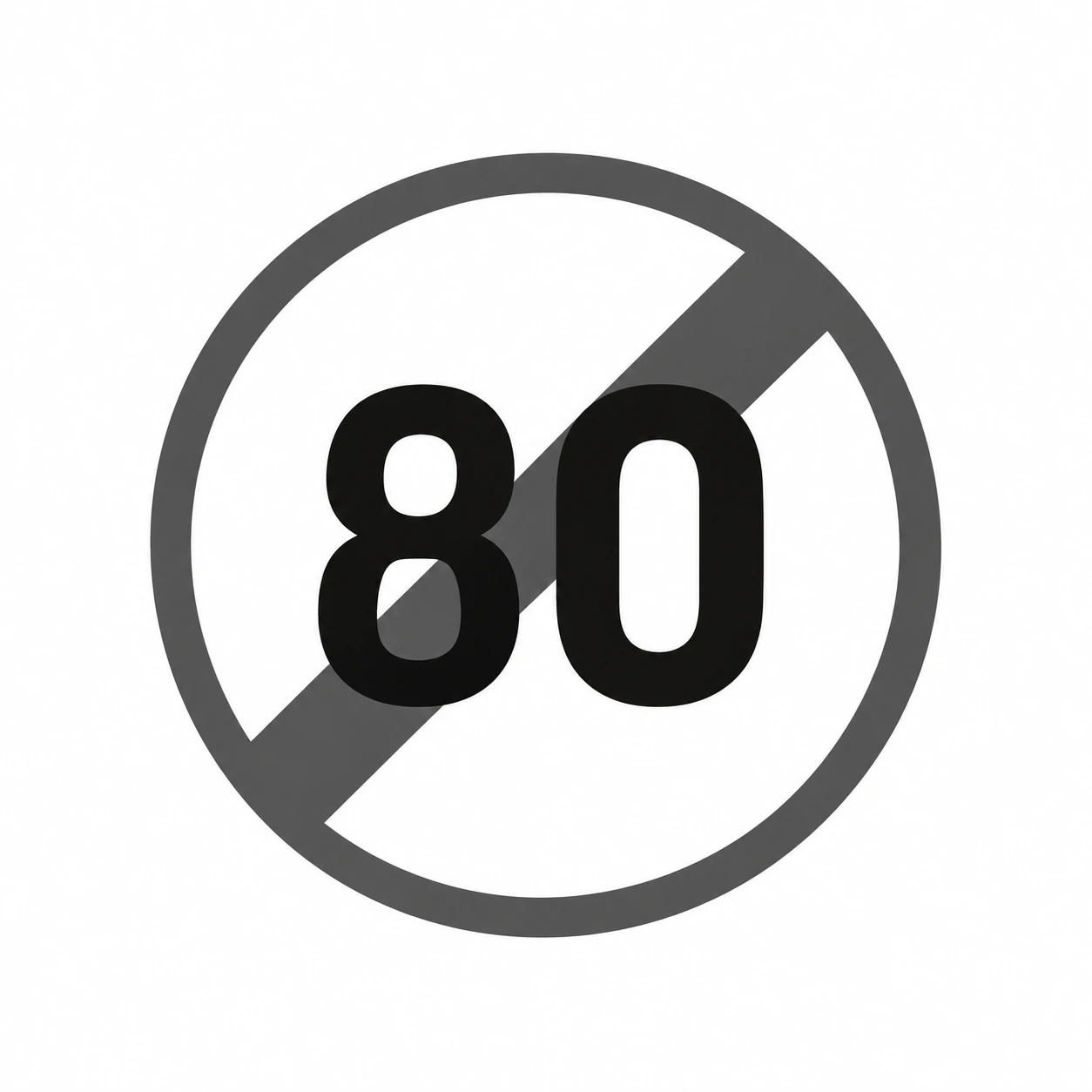 Remove Current Speed Limit

VehicleS07
S07 Reference
What It Identifies
The manual’s symbol for removing the current speed-limit sign.
What To Check
Match the complete symbol and any OFF marking, then read the colour, flashing behaviour and message on the vehicle. Use the S07 instructions for an S07; confirm E07 applicability separately.
S07 Owner’s Manual — PDF p. 8.
If You Cannot Find Your Symbol
Park safely and photograph the complete display, including the message, colour and surrounding icons.
Post the photo in the DEEPAL E07 Community—we’re more than happy to help you identify it.